Phone Menus Are Obsolete: Why 'Press 1' Has Had Its Day.
A phone menu makes you sort yourself into a box before you can explain the problem. Why the IVR was never a design choice — and what replaces it.
“Press 1 for sales. Press 2 for support. Press 3 for billing.”
You have no idea. You’re calling about a quote that went sideways in billing, after someone in support already promised you something. Which number is that? You guess. You guess wrong. You get transferred, tell the whole story again, and hang up seven minutes later wondering why it has to work this way.
A phone menu asks you to file yourself under a heading before you’ve been allowed to explain what’s wrong. That’s backwards, and anyone who has ever called a company knows it.
A person does it the other way round. “How can I help?” first. Routing after.
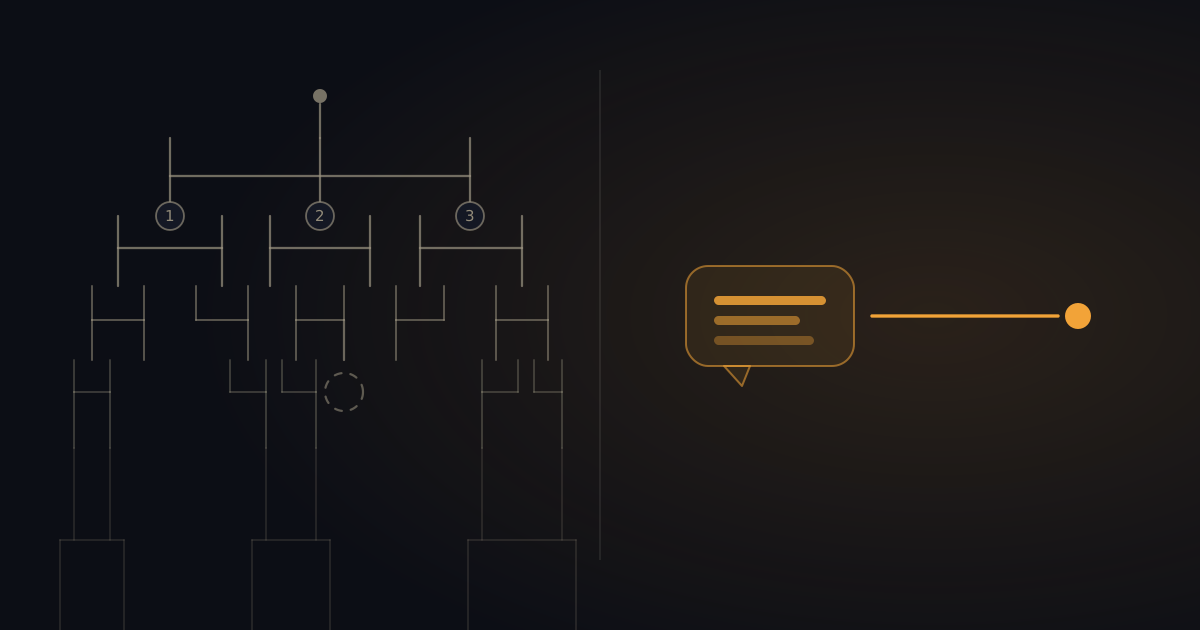
The phone menu was never a good idea — it was the only idea
Here’s the part that usually gets left out: phone menus didn’t appear because someone decided this was a pleasant way to help people. They appeared because it was the only thing that could be done.
The technology underneath is DTMF: that tone you hear when you press a key. It’s been around since the 1960s. For decades, that beep was the only signal a caller could send a computer. Speaking wasn’t an option — computers couldn’t understand you.
So we built trees. Press 1, press 2, press 3. Not because people think in trees, but because a telephone couldn’t transmit anything other than a chirp.
And that’s still where we are. Your phone recognises your face, plots your route and turns your speech into text — but call a company and you’re back to guessing which digit your problem belongs to.
Forty-odd years of workaround, quietly promoted to design pattern.
Why your caller always picks the wrong option
Because your menu is your org chart, not their problem.
“Sales” and “support” are internal departments. Meaningful to you, meaningless to the person calling. They don’t have a question that drops neatly into one box — they have a situation. And situations are rarely as tidy as a menu structure.
So here’s what happens. They pick the option that looks closest. They land with someone who doesn’t handle it. They get transferred and tell the story again. Or they just press 0 and hope for a human, which on half of these systems doesn’t even work.
And that’s the caller who perseveres. The rest hang up.
The menu is a photograph of your company on the day you set it up
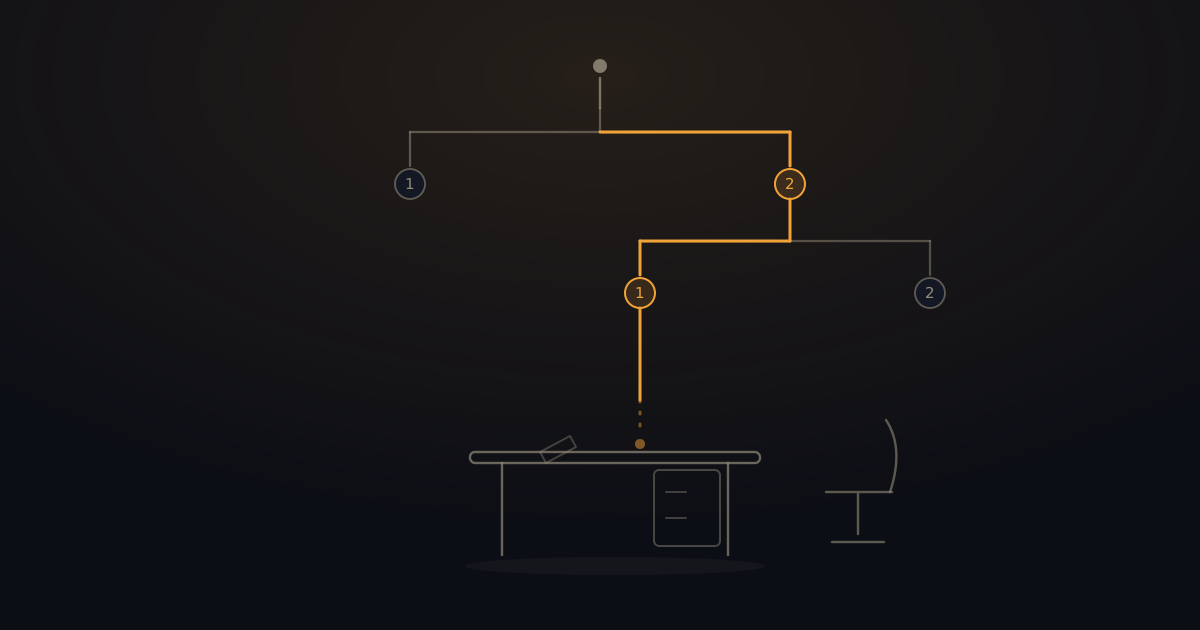
Here’s the problem you won’t find on any phone provider’s website: a phone menu ages faster than your organisation changes.
You configured it once. Press 3 goes to Karen, because Karen does the admin. Then Karen drops to three days a week. Someone else picks up part of it. A new colleague joins doing something the menu has never heard of. Someone leaves.
Every one of those changes means: reconfigure, re-record, re-test. In practice, nobody does that. So press 3 keeps ringing a desk nobody sits at, and the caller arrives at an empty chair or the voicemail of someone who left last spring.
The menu is a snapshot. Your company isn’t.
What’s possible now: routing on what someone actually says
The reversal is simple. Instead of making the caller navigate your structure, you let them say why they’re calling.
“I’m calling about the quote for the site on Harbour Road.”
That’s enough. No keypress, no department, no guess. And the good part: the caller doesn’t need to know who handles that — knowing who handles it is precisely what they’re asking you for.
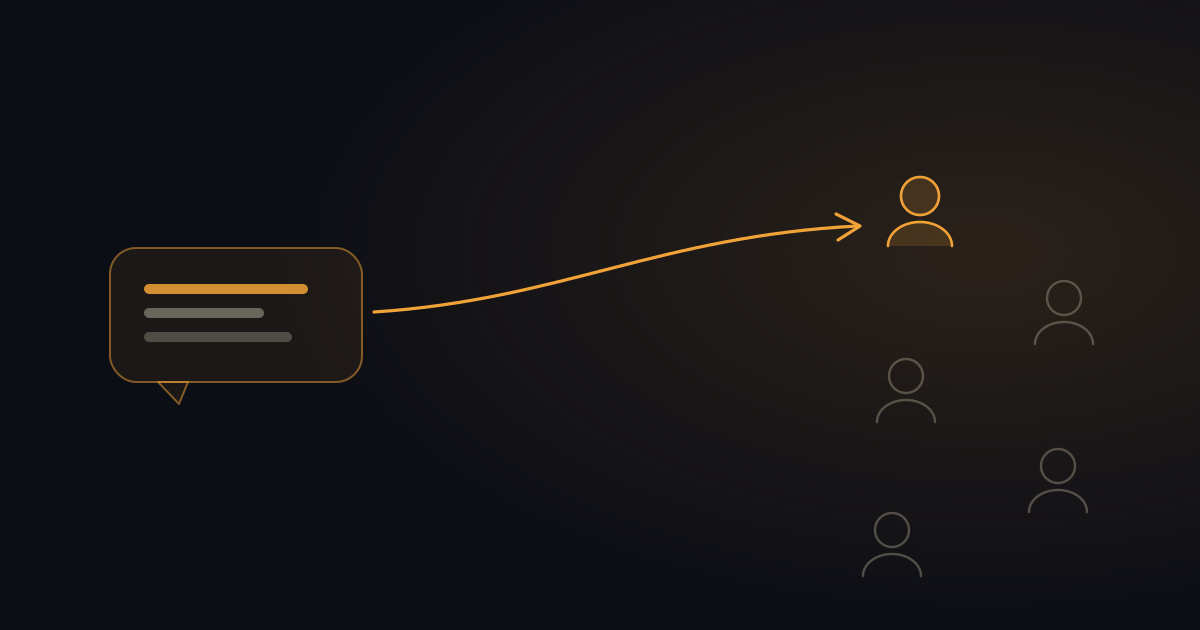
What makes this work isn’t speech recognition as such. That existed already, and it was mediocre — “say ‘sales’ or ‘support’”, followed by it not understanding you. The difference is that an AI that knows your organisation can connect the meaning of a sentence to the right person. Not to a department you invented.
And then there’s no tree to maintain. You maintain the thing you already know: who handles what.
Down to the person, not the department
This is where it genuinely changes.
Departments exist because you used to have to route somewhere, and a person was too specific. A person can be ill, away, or gone. So you built a layer in between. “Support” is more stable than “Karen”.
But that was a compromise, not an ideal. Someone calling about a live project wants the person doing that project. Not the department that person happens to sit under.
If the system knows who’s working on what, the reason for that layer disappears. Someone leaves? Then what changes is who handles what — not which digit you have to press.
At a service company it cuts even deeper, because there whether someone is on a maintenance plan decides how fast they get help.
What this looks like at BeepSweep
Honest about where we are.
What works today: BeepSweep, our AI receptionist, answers the call, says up front that it’s an AI, and asks what it’s about. You get a briefing: who called, why, and how urgent it is. On Enterprise you can connect a knowledge base (import your website, so BeepSweep knows your services, rates and common questions) and set routing rules and opening hours. On Enterprise, every team member gets their own line and inbox, with warm transfer to the right colleague.
What else it does: live transfer to your mobile for calls that matter — you can test it.
What we’re still building: routing purely on intent, down to the individual, without you maintaining any rules. That isn’t finished. We’d rather say so than make it sound better than it is.
What you already don’t need: a tree your caller has to walk through before they’re allowed to ask their question.
So do you need a phone menu at all?
Probably not, and that goes in both directions.
Just a few of you? Then an IVR menu was always overkill — you’re manufacturing a distance that isn’t there. One person picking up and passing on the gist is plenty.
More people, more lines? Then the menu probably came out of genuine necessity. But that necessity — the caller has to sort themselves into a category because the computer can’t understand them — is gone.
What’s left is the question that always mattered: does the message reach the right person, and does that person know what it’s about?
Frequently asked questions
Can you make a phone menu customer-friendly?
Only up to a point. You can shorten it (three options maximum), put the most-used option first, and always leave a route to a human open. But the core stays: you’re asking the caller to choose before they’re allowed to explain. The friendlier move is not asking that question at all.
Isn’t speech recognition just as bad as the old “say ‘sales’” systems?
Those systems expected one word from a list you’d written. Say anything else and they were lost. A language model works on meaning: it hears a full sentence and works out what it’s about from that.
What if the AI gets it wrong?
Then it goes wrong — same as with a phone menu, minus the part where the caller blames themselves. The difference is that a wrong read can be corrected, whereas a wrong keypress means someone starts over.
Does the caller notice it isn’t a person?
Yes, and they should. BeepSweep says at the start of every call that it’s an AI. That’s the honest thing to do, and it’s how it works by default — not a setting you have to remember to switch on.
Can I just start without tearing everything down?
Yes. You keep your own number and switch on a forward once — a couple of minutes. You don’t have to replace your phone system to stop using phone menus.
In short
The phone menu is a workaround from an era when a telephone could only transmit beeps. It forces your caller to know your org chart, it goes stale the moment your organisation changes, and it demands a choice before anyone has been able to ask their question. None of that is necessary any more: a call that opens with “what are you calling about?” gets further than a tree with four side branches.
For more on how a call actually gets answered, read what an AI receptionist is and how it works. Still weighing up approaches? This honest comparison of missed-call solutions puts them side by side.
Let your callers just say why they’re calling. Switch BeepSweep on → You read back what they wanted, in WhatsApp. Missed the call, not the message.