Forward your business number to an AI receptionist
You keep your own number and switch on one call forward. Which type to pick, what the caller notices, what happens to your voicemail, and the three mistakes.

You keep your own number. You switch on one call forward for unanswered calls, and every call you do not pick up goes to the AI receptionist.
That is all there is to it. Still, the first week often goes wrong, not because the technology is hard, but because nobody explains which forward to pick and what happens next. That is what this piece is about. The buttons and codes per phone are in call forwarding codes, step by step; this one is about the choice.
Forward on no answer is the right type for most businesses
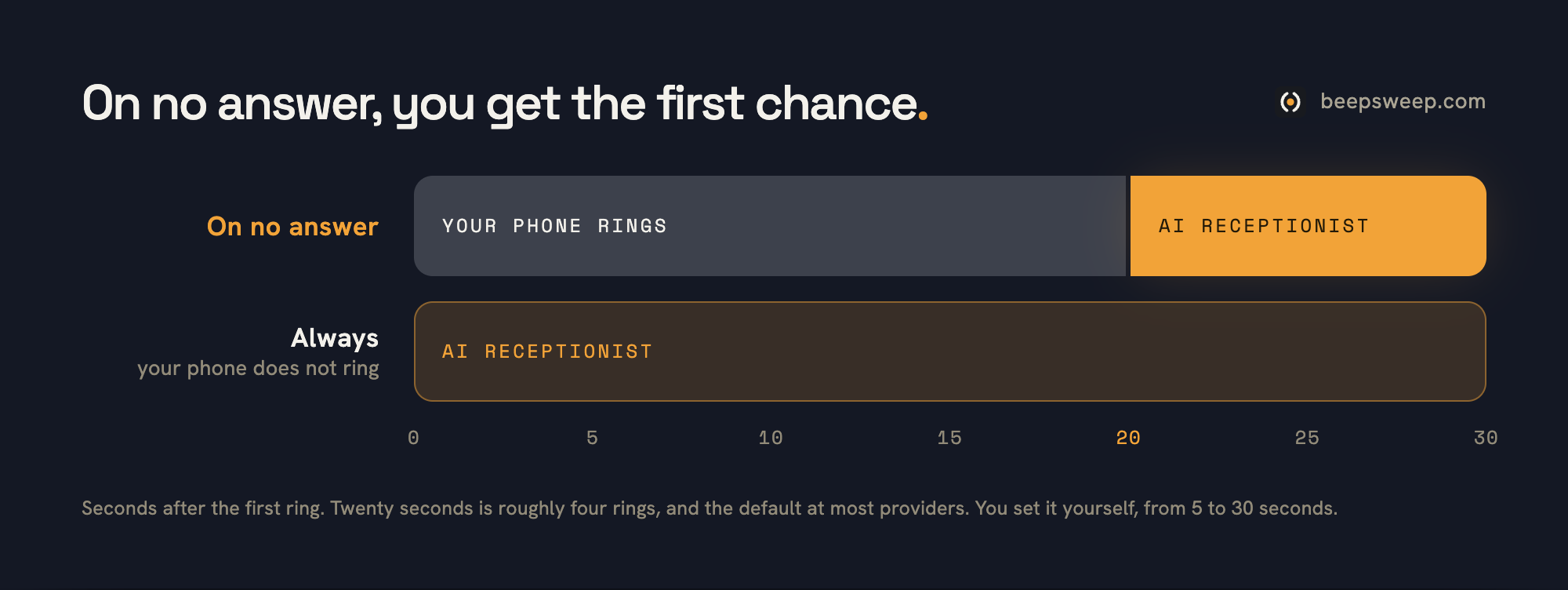
With forward on no answer, your phone rings first and the AI receptionist only picks up when you do not. You keep the first chance.
Two types matter. With forward always, your own phone does not ring at all: every call goes straight to the AI receptionist. That is the type for a business that hands over the front desk entirely, or for a number nobody answers anymore anyway. With forward on no answer, your phone rings as usual, and only when you do not pick up, are on another call or have no signal does the AI receptionist take over. That is the type for anyone who wants to answer when they can, and wants to be sure someone answers when they cannot.
Almost everyone means the second one. Yet many businesses have the first one switched on, because that code is the one at the top of every list. You recognise the result straight away: “my phone never rings anymore”.
If your business number lives in a phone system, you make the same choice in your provider’s admin panel instead of with a code. There you can usually let a ring group ring first and forward only after that.
Twenty seconds of ringing is the dial you control yourself
How long your phone rings before it forwards is adjustable, from 5 to 30 seconds. That time decides how much of a chance you give yourself.
Most providers default to around 20 seconds. That is roughly four rings: enough to get your phone out of your pocket, short enough that the caller does not give up. If you work with your hands and know you will not answer anyway, set it to 10 seconds. Then the caller is not kept waiting for nothing.
How you add the seconds to the code is in the section on ring time. The only thing to remember: a caller who hears a phone ring for 30 seconds hangs up. An AI receptionist that picks up after 10 seconds feels like a business that simply answers its phone.
The caller notices nothing
Whoever calls you hears your phone ring and then gets someone on the line. No beep, no announcement, no silence.
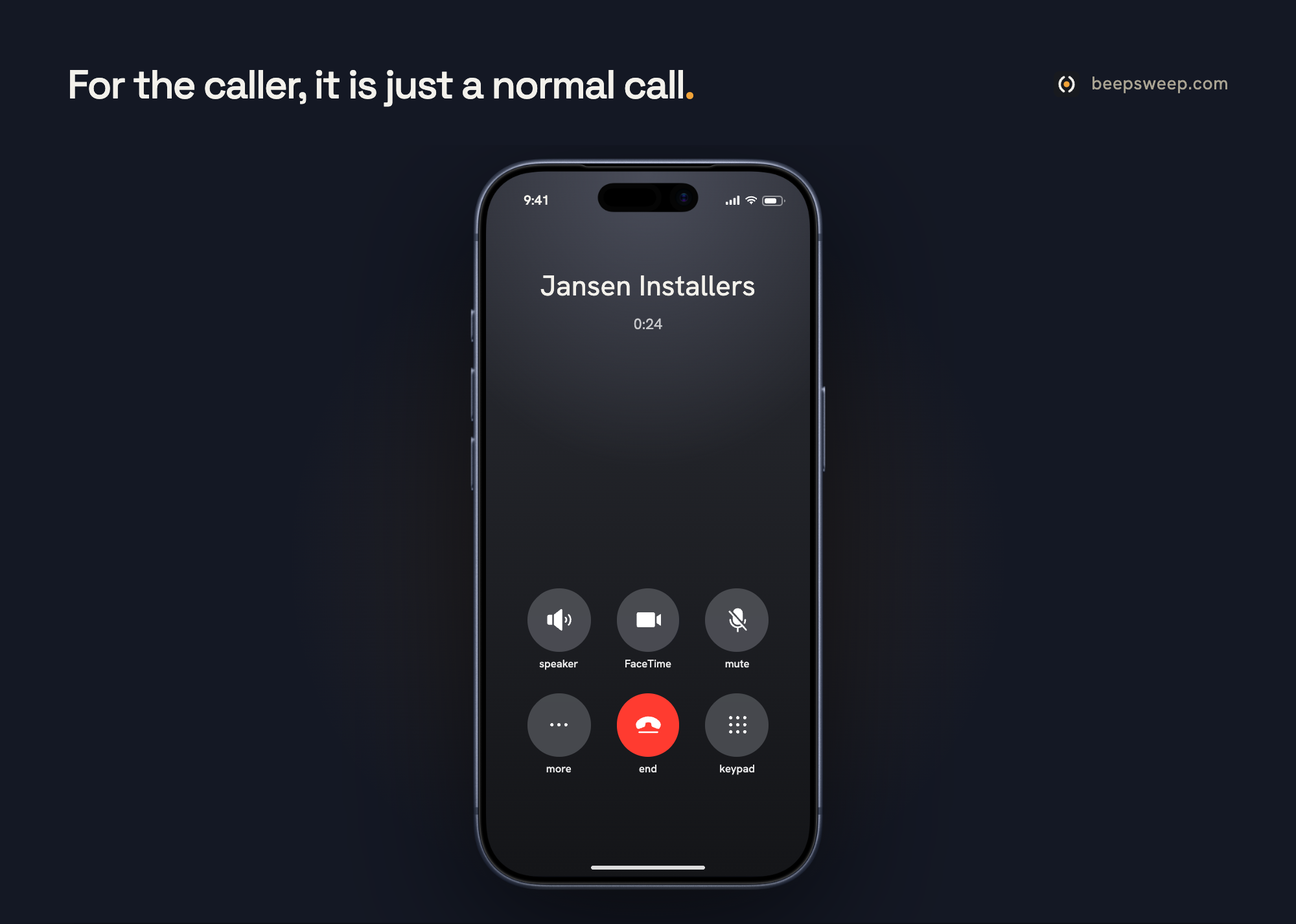
To the caller, a forwarded call sounds like a normal call. They dial your number, they see your number, and after the set time someone answers. The first thing they hear is that they are speaking to an AI and that they can ask for a member of staff if they prefer. That is required by law, and it is also just good manners.
The cost sits with you, not the caller. They pay what they always pay to call your number. The forwarded leg counts at your provider as an outgoing call and comes out of your bundle. With an unlimited calling bundle you will not notice it.
The AI receptionist sees who is calling
With a forwarded call, the caller’s number comes along. So the AI receptionist does not see your number, but the number of the person who called.
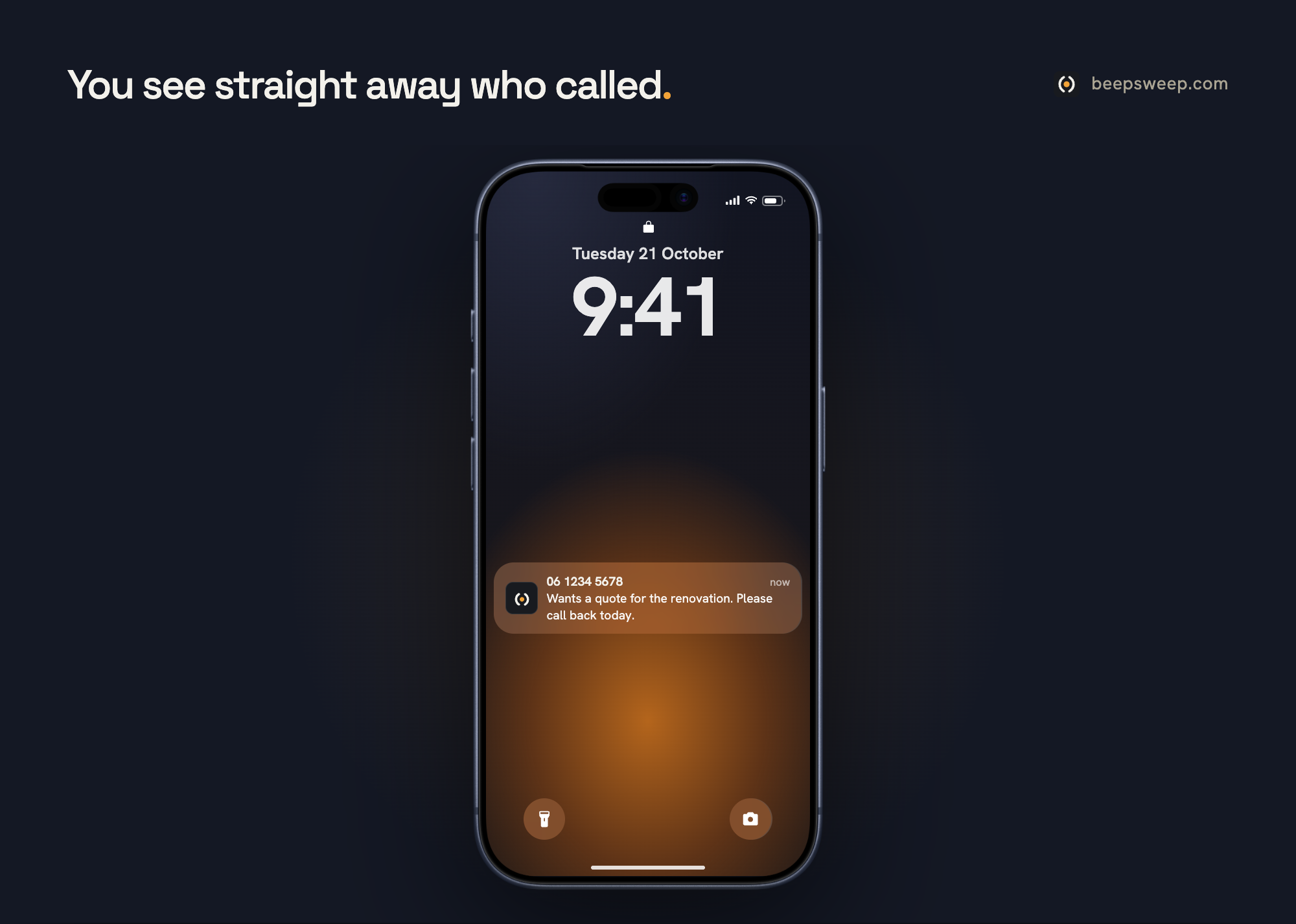
That sounds like a detail, but it is the reason “who called” appears in your message, and the reason a callback request is correct without the caller having to read out their number. Ask a provider about it anyway, because some phone systems pass the number on and others do not. If your first test messages show your own number instead of the caller’s, that is where the problem is.
While the forward is on, your voicemail is no longer used
Your voicemail is itself a forward on no answer, to your carrier’s voicemail platform. Point that forward at an AI receptionist and you replace it.
That is not a drawback, it is the point. Nobody leaves a message anymore, and the few who do rarely get a reply. Your voicemail is not deleted: the messages in it stay, and if you switch the forward off, everything falls back to how it was. But as long as the AI receptionist is on, nobody reaches the beep anymore.
If you want to switch your voicemail off for good, that is a separate step per carrier.
Three mistakes everyone makes, and one test that catches all three
A wrong number, “always” switched on by accident instead of “on no answer”, and forwarding to something that does not answer either. One test call catches all three.
The first mistake is a typo in the number. Callers end up with a stranger or with nobody, and you only find out when a customer tells you. The second is the code for forward always, which stops your own phone from ever ringing. The third is the most annoying: forwarding to a colleague who is also in the van, or to a voicemail nobody listens to. Then you are just as unreachable as without the forward, only with more steps.
The test: call yourself from another phone. Listen for your phone to ring first, count the seconds, and wait until someone answers. Then read the message you receive: does it show your own number, or the number of the phone you called from? Repeat this after every change to your plan, because a new SIM or a switch of provider sometimes resets call forwarding.
Not every plan can forward calls
On the plans of the major carriers, call forwarding simply works. On some budget providers and on prepaid it does not, or only through customer service.
Check it before you sign up for an AI receptionist: dial the status code for forward on no answer on your phone, it is in the overview of codes. If you get a status back, it works. If you get an error, call your provider before you change anything about your plan. With a business number in a phone system this is never an issue; there, forwarding is a standard feature.
How BeepSweep handles it
With BeepSweep you keep your number. You forward to BeepSweep, on no answer or always, in two minutes. Switching off is always possible.
Solo (€25 a month, one user) works on no answer: you pick up when you can, BeepSweep when you cannot, and you get the message as text via WhatsApp, SMS, email or in the app, with the summary at the top and the transcript and recording below. Enterprise (€99 a month) is the front desk on the business number, always or only when your team does not pick up, with answers from your own knowledge base and transfers to the colleague who handles it. Every team member also gets AI voicemail on their own number, for €15 per user.
BeepSweep sees the caller’s number, says at the start that it is an AI, and reads names, numbers and addresses back until the caller confirms. What it does and does not understand is in does an AI receptionist understand Dutch. Want to hear it first? On the homepage you can have it call you, no account needed. Questions go through WhatsApp on +31 85 083 5355.
Frequently asked questions
Do I need a new phone number for an AI receptionist?
No. You keep your own number and forward it. For your customers, nothing changes about the number they call.
Can I switch the forward off temporarily?
Yes. You switch it off with the deactivation code or in your phone’s menu, and back on later. An AI receptionist is not a subscription on your number, it is a destination.
Does forwarding to an AI receptionist also work with a landline number?
Yes. For a landline number in a phone system you set the forward in your provider’s admin panel, usually with the same choice: always, or on no answer.
What happens when I am on another call?
If you point “on busy” and “when unreachable” at the AI receptionist as well as “on no answer”, every call you do not take yourself gets answered. That is what most businesses mean by “always reachable”.
Can I let my colleagues ring first and only then the AI receptionist?
In a phone system, yes: you let a ring group ring for a number of seconds and forward after that. On a standalone mobile number you can only forward to one destination, so there you go straight to the AI receptionist.