Turn Off Voicemail: How It Works and What Callers Hear.
Turn off voicemail on your UK mobile with your carrier's short-code or app. Here's how, what the caller actually hears, and why it may not fix it.
Yes — you can turn off voicemail with any major UK carrier, usually with a short dial-code or from the carrier’s app. It’s free, reversible, and doesn’t change your number. Below is how to do it on EE, O2, Vodafone UK and Three, plus three things most how-to articles skip: what the caller actually hears, what people forget when they switch it off, and why “off” doesn’t always fix the real problem.
Can you just turn voicemail off?
Yes. Every major UK mobile carrier lets you disable voicemail at no cost, and you can switch it back on at any time. You don’t need to install anything and you keep your number. Worth knowing: switching it off has consequences on the caller’s side that nobody mentions — more on that in a moment.
How do I turn off voicemail on my UK carrier?
Every carrier does it slightly differently, and the exact short-codes change more often than they should. The reliable route is the same everywhere: dial your voicemail service number, follow the menu to disable it, or use the carrier’s app under call settings. Always cross-check on your carrier’s official support page before you rely on a code you read anywhere (including here).
EE
Voicemail is enabled by default on EE. To disable it, dial your voicemail from the handset and follow the menu, or go into the EE app and turn off “Voicemail” under call settings. If you can’t find it, EE’s live chat can toggle it server-side for you.
O2
On O2, the standard route is via My O2 (web or app) under your number’s call settings — look for voicemail preferences. There’s also a short-code you can dial from the handset; check O2’s help pages for the current one rather than trusting an old forum post.
Vodafone UK
Vodafone lets you switch voicemail off from the My Vodafone app under call settings, or by dialling the voicemail service number and following the menu. If in doubt, Vodafone chat can disable the service on your line directly.
Three
On Three, use the Three app or My3 online to change voicemail settings, or dial your voicemail from the handset and use the menu. Three has changed its voicemail short-codes a few times, so the support page is the safer reference.
Quick heads-up: the “Voicemail” screen inside iOS or Android usually only controls how visual voicemail is displayed on your phone. Actually turning the service off happens on the carrier’s side — not in your handset settings.
What does the caller hear when my voicemail is off?
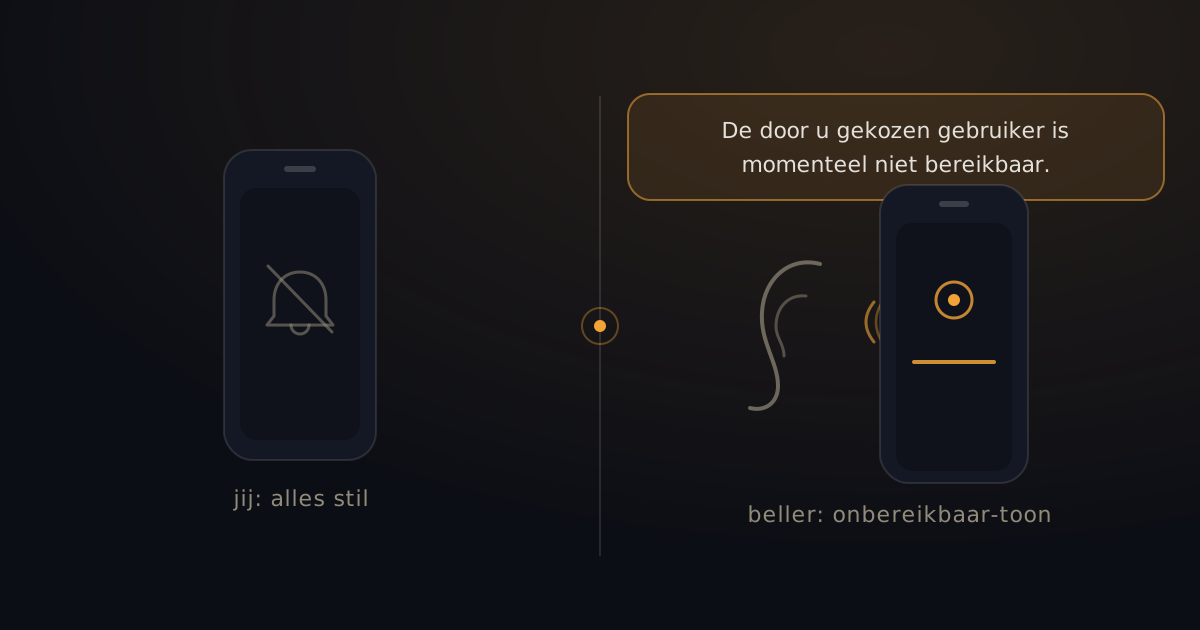
This is the part most articles skip. With voicemail off, the caller does not hear a friendly greeting or a beep to leave a message. Instead they get one of:
- An automated line: “The person you are calling is not available.”
- A few rings, then a click and a long tone.
- On some networks, a short error message and the call drops.
To you that feels like “sorted, no more voicemail.” To the caller it feels like “this person isn’t there” — which can come across as cold, especially if it’s a customer, a family member or someone actually trying to reach you. A share of those callers won’t try again.
What do people forget when they turn voicemail off?
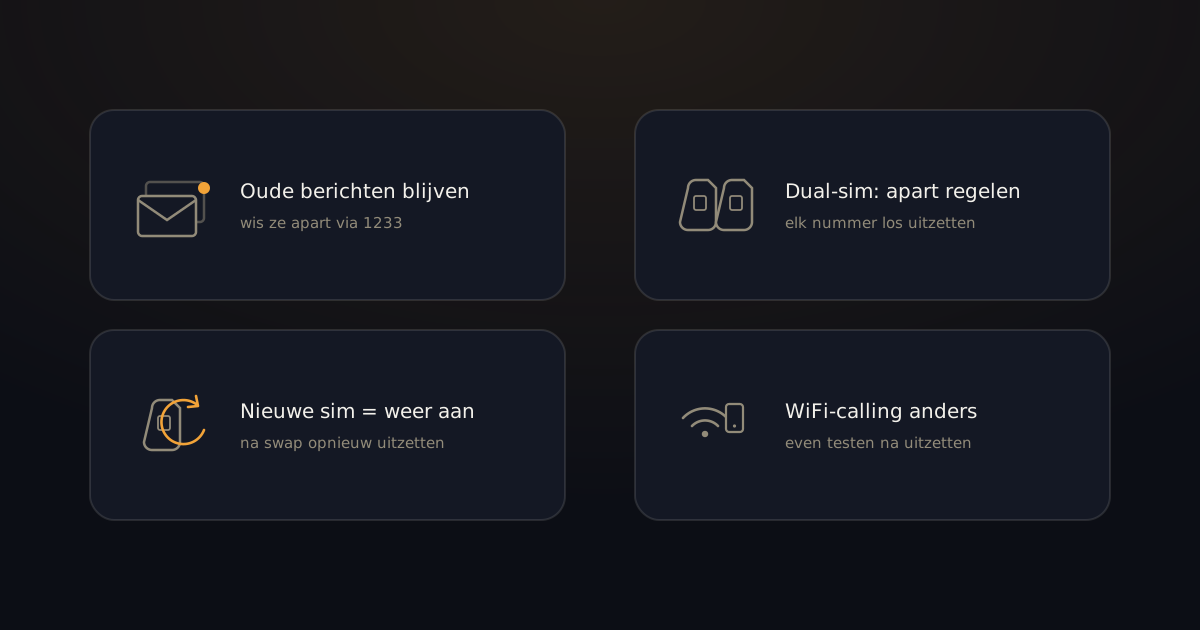
Four small things that come back to bite people:
- Old messages usually stay. Turning voicemail off doesn’t wipe your existing inbox. Want it fully clean? Delete messages separately, from the voicemail menu.
- Dual-SIM is per line. If you carry two SIMs (work + personal, or eSIM + physical), you have to disable voicemail on each number.
- A new SIM or new handset often switches it back on. After a port, a SIM swap or a phone upgrade, check again and turn it off.
- Wi-Fi calling and VoLTE can behave differently. If you call a lot over Wi-Fi, voicemail can appear to still work when it’s technically off (or the reverse). Test it by calling yourself from another phone after making the change.
Using a work phone managed by your employer? Voicemail may be set centrally and you may not be able to disable it yourself. Ask IT.
Why doesn’t turning voicemail off fix the reachability problem?
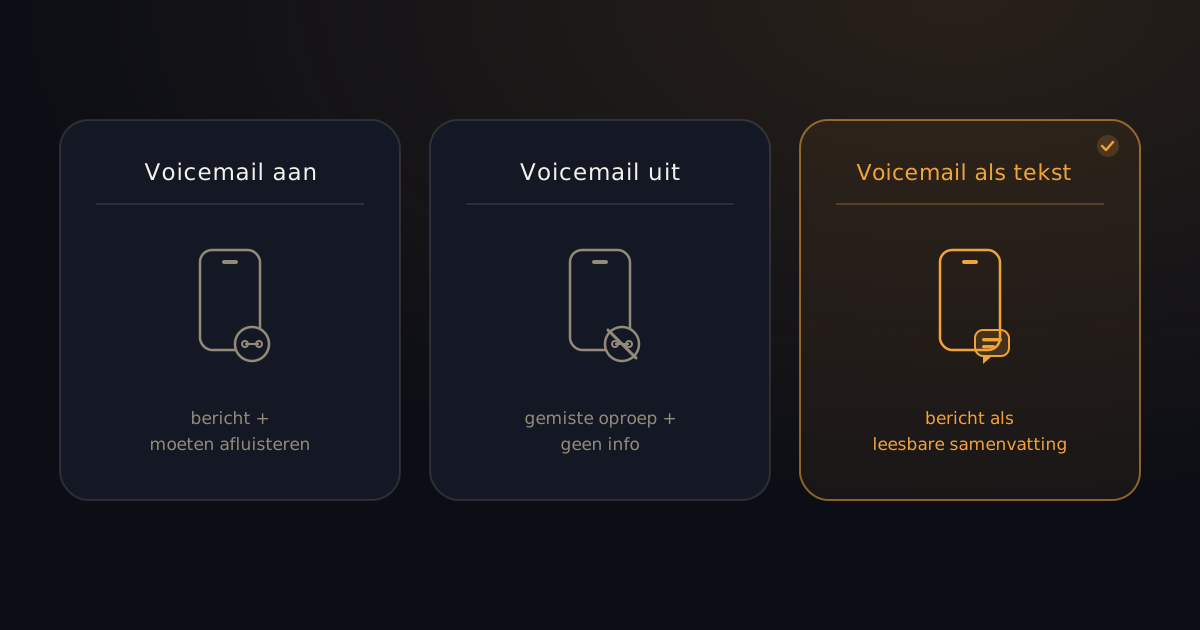
Because you still get missed calls — you’ve just removed the only way to know who called and why.
Most people who kill voicemail do it out of frustration: they never notice new messages, dialling in to listen feels clunky, and the logic is “they’ll ring back if it’s important.” Fair in theory. In practice:
- The customer who tried once doesn’t try again — they move to the next name on their list.
- The clinic or the school does try again, but you have no idea they called.
- You can’t tell whether the missed call mattered or not — so it nags at you.
Turning voicemail off removes the beep, not the missed message. And the missed message is usually the actual problem, not voicemail itself.
If you’re weighing this up more broadly, see our comparison of missed-call solutions for the full picture.
Is there a middle option?
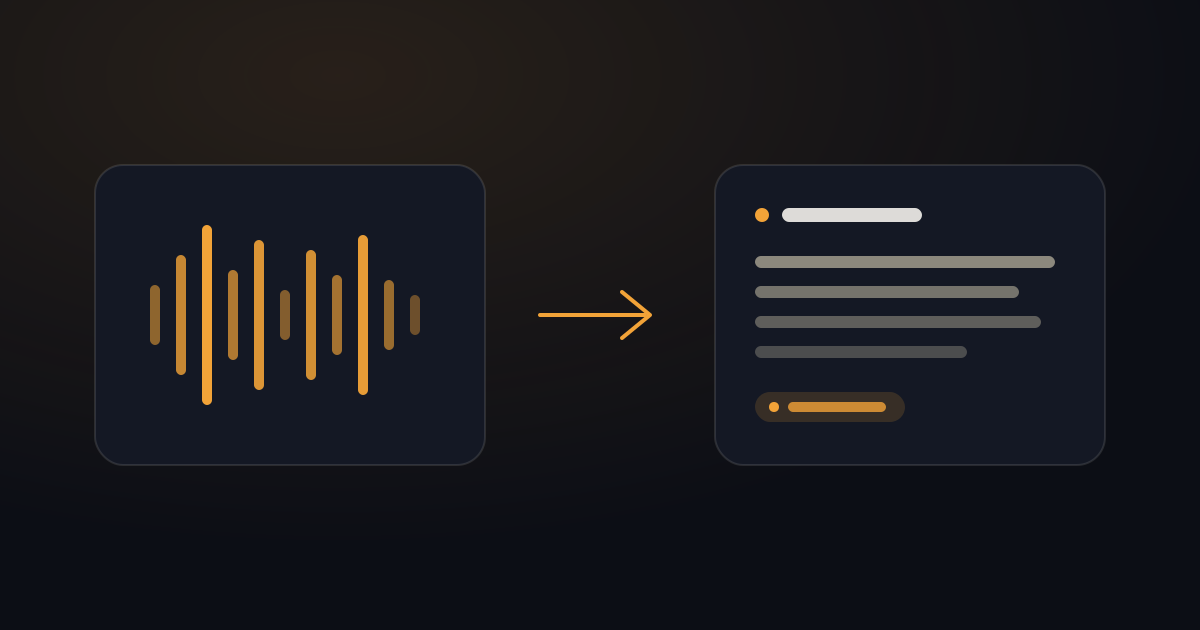
Yes — leave voicemail on for the caller, and read it on your side instead of listening to it.
If you’d rather set your voicemail up properly than switch it off, that’s covered step by step in how to set up voicemail.
The caller notices nothing: they hear your normal greeting and leave a message the way they always do. What changes on your side: within seconds you get that message as readable text on your phone, with a short summary of what the caller wanted. You scan it in two seconds and decide: does this wait, or do I handle it now?
That’s what BeepSweep does. You keep your own number, nothing changes about how people call you, and you stop dialling in to check messages. You get a grip on your reachability without turning people away with an unavailable tone. For anyone who gets a lot of calls but can’t always pick up — work and personal both count. If you want the deeper how, see how voicemail-to-text works.
FAQ
Does turning off voicemail cost anything?
No. Disabling voicemail is free on every major UK carrier. Any short-code you dial to change the setting is on the carrier’s free service range.
Can I switch voicemail back on?
Yes, any time. Use the same route you used to turn it off — the carrier’s app, an online account, or dialling the voicemail service and using the menu.
Do I lose old voicemail messages if I turn voicemail off?
No. Disabling the service just stops new messages being taken. Your existing inbox usually stays until you delete it manually.
Does turning voicemail off take effect immediately?
Usually within a few minutes. Test it by calling yourself from another phone — if you hear an “unavailable” tone or a short beep instead of your voicemail greeting, it’s off.
Can I turn voicemail off only outside working hours?
Not as a built-in feature on most carriers. Voicemail is on or off, not on a schedule. If you want more control (say, protect your evenings without an unavailable tone during the day), a service that delivers messages as text tends to be more practical than toggling on and off.
What is Visual Voicemail?
A feature that lets you see and tap voicemails on your iPhone (or some Android phones) without dialling in. Handy, but it doesn’t remove the underlying job — you still have to listen to an audio message. It just makes the queue visible.
In short
You can disable voicemail on any UK carrier in a couple of steps — free, and reversible any time. What to know before you do: the caller hears an “unavailable” tone instead of your greeting, and you still miss every message — but now without a trace. If you actually want to fix the problem, leave voicemail on and read the messages as text on your side.
Keep voicemail on, and stay in the loop. Switch BeepSweep on → You read every missed call back in WhatsApp. Missed the call, not the message.